In this article, you'll learn how to choose who hears about a new voicemail, and how to have voicemails sent to other phones and email inboxes. It's handy when you're out on a job or it's after hours and you still want to know a customer called.
You don't have to build anything. Voicemail alerts come with the CRM phone, and you just pick who gets them.
To open voicemail alerts:
- Click the Settings gear.
- Under Phone & booking, click Phone numbers.
- Scroll down to the Voicemail alerts card.
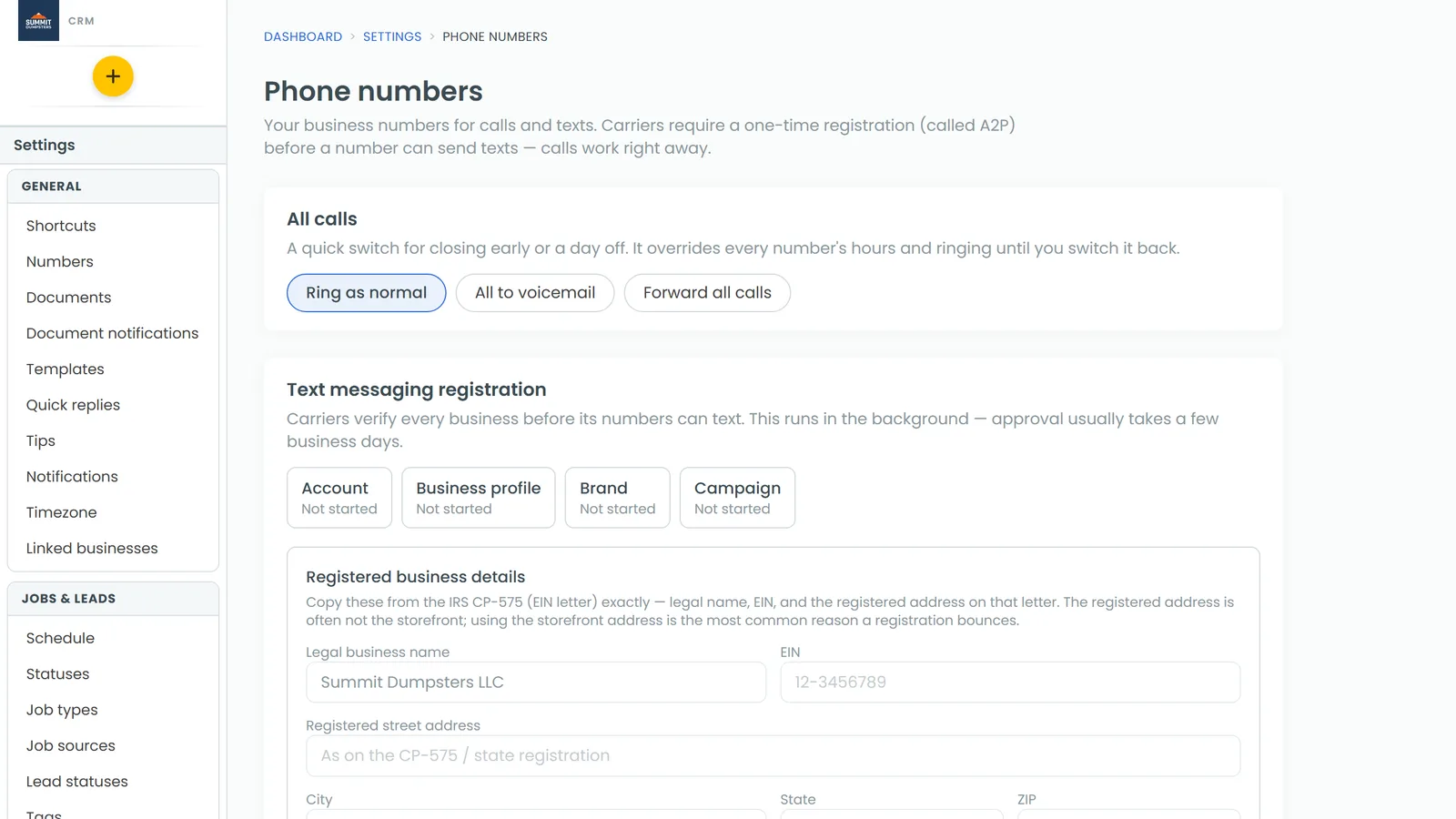
The phone app has the same card under Settings › Phone numbers. It has the same fields and saves to the same settings.
Choosing who gets the app notification
Under App notification, pick one:
- Everyone sends the notification to everyone on your team who has the app.
- Only these people lists your team. Tick each person who should get it (in the phone app, switch them on).
Click Save when you're done.
The app notification goes out as soon as the caller hangs up.
Sending voicemails to other phones and email addresses
- In Text these numbers (one per line), type each phone number on its own line.
- In Email these addresses (one per line), type each email address on its own line.
- Click Save.
If something you typed isn't a real phone number or email address, it's left out when you save. The card tells you how many entries were left out so you can fix them. Each list holds up to 10 entries.
Turning on texts and emails for voicemails
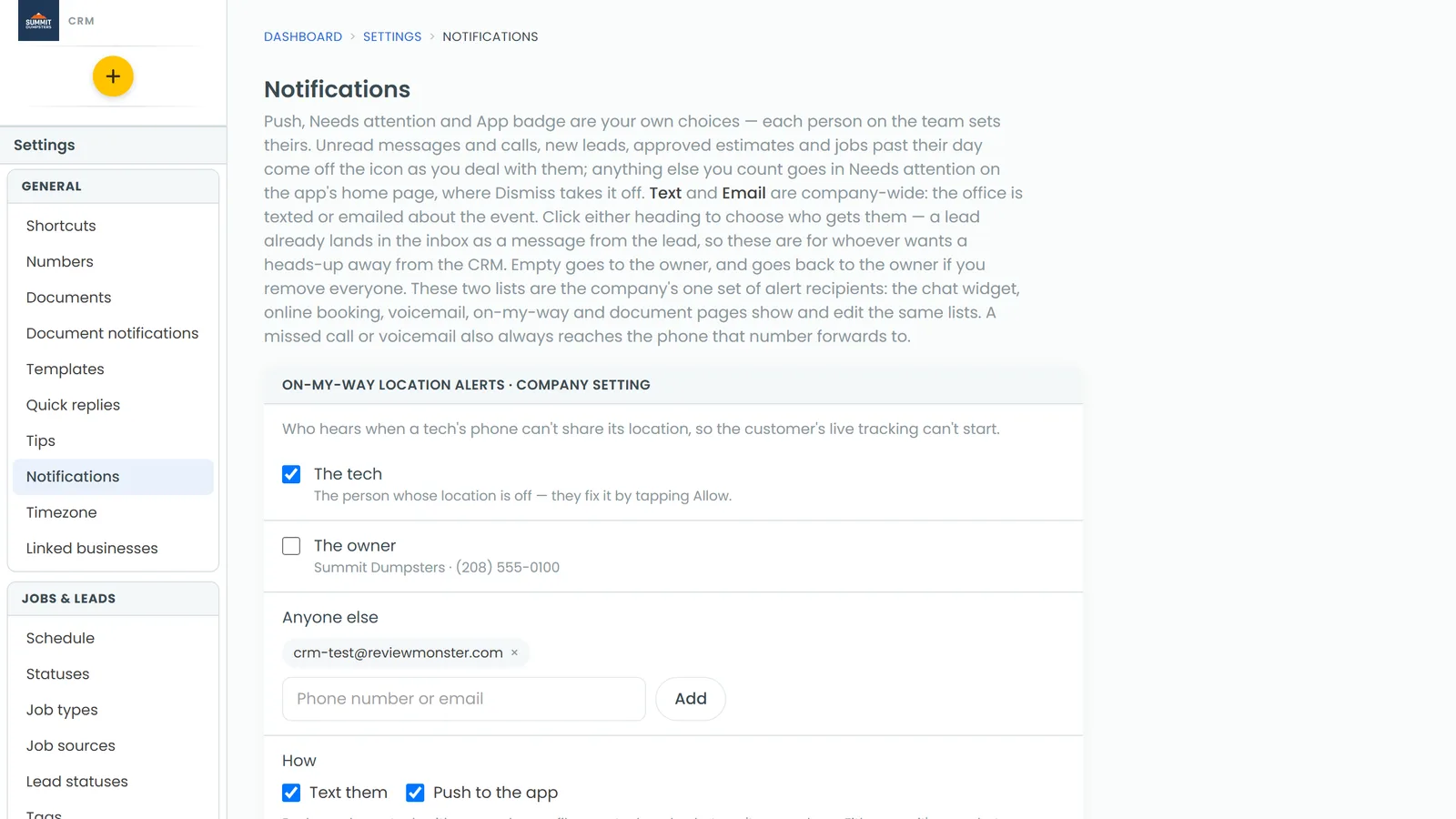
Texts and emails only go out when they're switched on for voicemails.
- Open Settings and click Notifications.
- Find the New voicemail row.
- Tick the box in the Text column, the Email column, or both. Your change saves as soon as you tick it.
What the alerts look like
- Text: the recording is dropped straight into each listed phone's voicemail box, so you play it like any other voicemail. If that can't be done (for example, the message is very short), the phone gets a text with the caller's number and what they said instead.
- Email: the caller's name or number, what they said, and the recording attached.
What the caller said is only included when the number transcribes calls. If a transcript fails, the texts and emails still go out, just without the words.
Suspected spam voicemails
If spam filtering sends a call to voicemail, the CRM reads the message first. If it's clearly a robocall, it's deleted and nobody is alerted. If it sounds like a real person, the app notification goes out as New voicemail (suspected spam).
Tracking numbers
A voicemail left on a call tracking number is announced the same way as one on your main line. The phone the tracking number forwards to always gets it, and the New voicemail row in Notifications decides who else does.