In this article, you'll find quick answers to the questions people ask most about estimates. Most of them come down to two things: what an estimate is tied to, and what happens once the customer says yes.
To open an estimate:
- In the menu, click Estimates.
- Click the estimate number to open it.
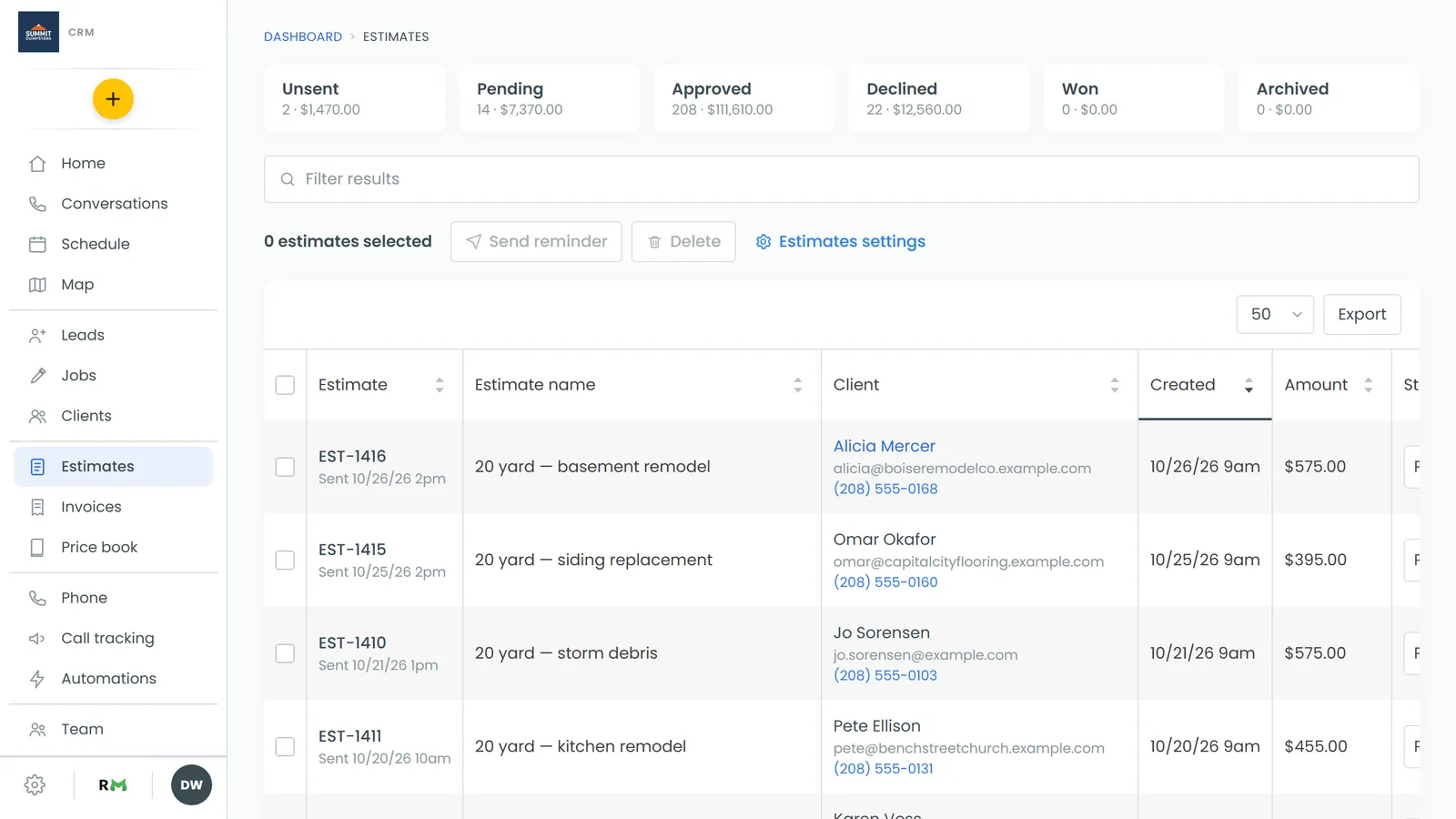
These answers are for the web CRM.
Can I change the customer on an estimate?
No. An estimate stays with the customer it was made for, and you can't move it to someone else.
You can fix the customer's details, though. At the top of the estimate, the name next to Client: is a link.
- Click the customer's name to open their page.
- Edit their details there.
The estimate shows the email and phone from the customer's record, so it picks up your changes.
If the estimate really belongs to a different customer, make a new estimate for the right one, then delete the old one.
Why can't I edit this estimate?
If the items, notes, discount, tax and deposit are greyed out and the Add item button is gone, it's one of two things:
- It's been turned into a job. Once you use Copy to job, the estimate becomes read-only. You'll see "Became" with a link to the job under the estimate's details. Make your changes on the job instead.
- It's approved and Lock approved estimates is on. This switch is in Estimates settings (there's a link to it on the Estimates page). With it on, an approved estimate can't be changed, so the price the customer signed stays the price.
The Status box is greyed out on a locked estimate too, so you reopen it from the list:
- In the menu, click Estimates.
- Find the estimate and change its Status to Pending.
This clears the customer's signature, so they'll need to approve the new version.
Can I edit an estimate after I've sent it?
Yes, as long as it isn't locked or turned into a job. Open it and make your changes. Each one saves when you click away from the field. Click Send Again if you want the customer to get the updated version.
Does deleting an estimate free up its number?
No. When you click Actions, then Delete, the CRM asks you to confirm and tells you the number stays on record. The estimate leaves your lists, but its number is never handed out again. That's on purpose, so you can always tell what a number was.
Why didn't my optional items come over to the job?
Copy to job only brings over the regular priced items. Optional items are left off, and the confirmation box tells you how many before you agree. If the customer picked any of them, add them to the job after it's created.
Does the customer have to sign?
Yes. When a customer approves an estimate from the link you send, they have to add their signature first. There's no setting to turn that off. Their signature then shows on the estimate document.
Can customers see estimates I haven't sent?
No. Customers only see estimates that are no longer Unsent.
Can I change the date on an estimate?
No. The Date on an estimate is the day it was created, and it can't be edited.
Can I duplicate an estimate?
There's no duplicate option. The Actions menu has Preview as customer, Copy to job and Delete. To reuse the same work, make a new estimate and add the items again. Adding them from your price book makes that quicker.
Where does the estimate number come from?
The CRM gives every estimate its number when it's created, counting up from your last one. You can't type in your own or change it later. Gaps are normal: a deleted estimate keeps its number, so the next one doesn't fill the gap.
Related articles
- Locking approved estimates
- Creating a job from an estimate
- Adding optional items to estimates
- Deleting an estimate
- Your job, estimate and invoice numbers