In this article, you'll learn how to give a job a name and where that name shows up. It's handy when a number alone doesn't tell you much and you want to see at a glance which job is the garage cleanout and which is the estate cleanup.
Every job gets a number on its own, like JOB-1234. You don't pick it and you can't change it. A job name is an optional label you add on top of that number. Use it for the kind of work, a project, or anything else that helps your team tell jobs apart.
Naming a new job
To open the new job form:
- In the menu, click Jobs.
- Click Create New.
To name the job:
- Fill in the customer in Client Details and the address in Service Location.
- In the Job Details card, type a name in the Job name field. It's the first field in the card, above Job type.
- Fill in the rest of the form the way you normally would.
- Click Create.
The new lead and new estimate forms have the same Job name field in their details card.
On the phone app
- Open Jobs and tap Create New.
- In the Job Details card, type a name in the Job name field.
- Finish the form and tap Create.
Where job names show up
The Jobs list
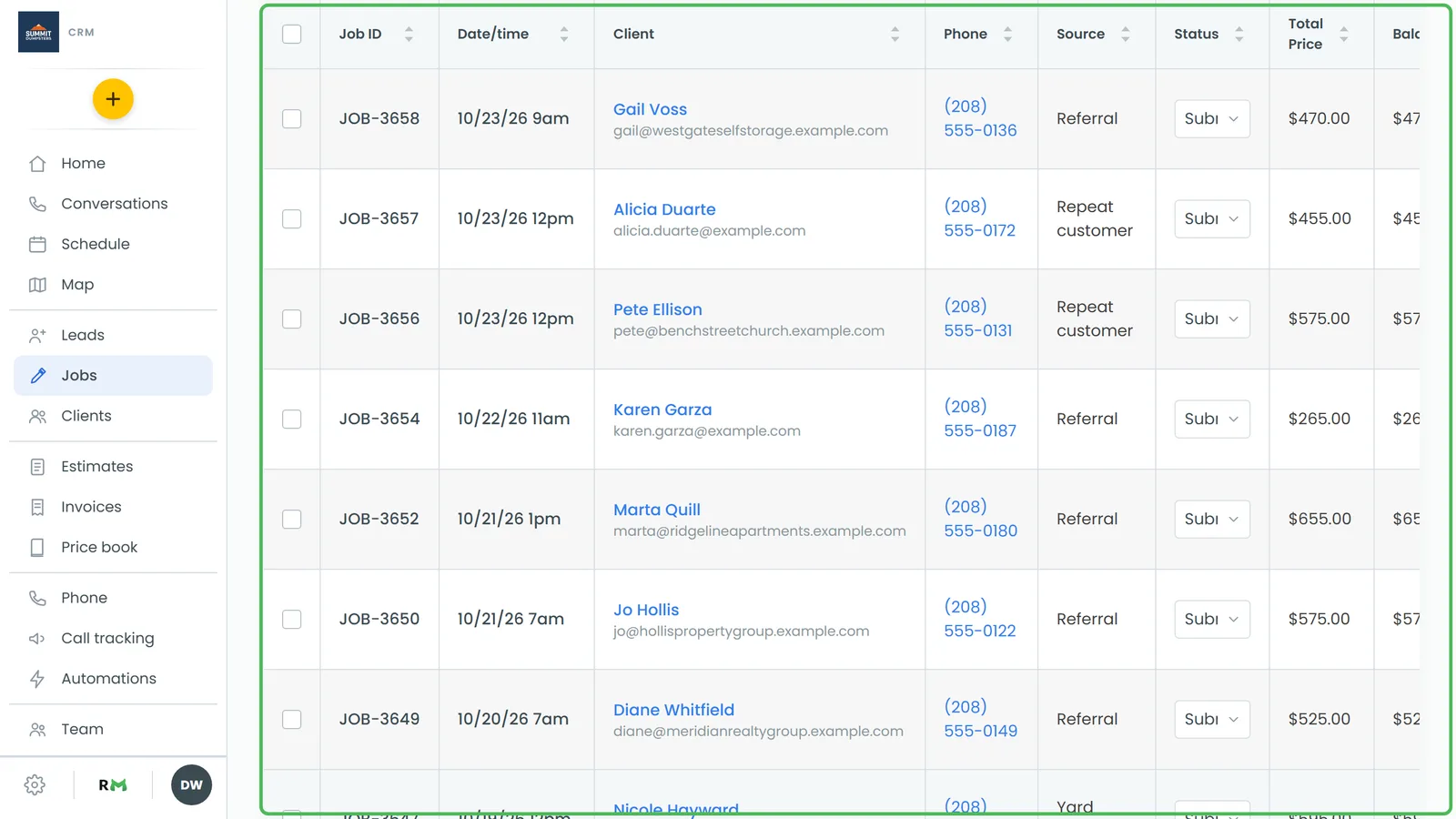
The Jobs list has a Job name column, at the far right of the table. Click the Job name header to sort the list by name, and click it again to flip the order. This is a quick way to group jobs that share a name.
On a phone-sized screen
When you open the Jobs list in a phone's browser, each job shows as a row with the job number, the total and the customer's name. The job name sits in the grey line under the customer. If a job has no name, that line shows the job source or the phone number instead.
Duplicating a named job
When you duplicate a job, the copy keeps the original's name. It gets its own new job number, so you can tell the two apart.
Agency accounts
On an agency account, jobs are called appointments, and the field on the new appointment form reads Appointment name. It works the same way.
Related articles
- How to create jobs
- How to duplicate a job
- Creating new jobs on the phone app
- Your job, estimate and invoice numbers
- Creating tags for jobs