In this article, you'll learn how to send a call recording or a voicemail to someone by text or email. It's useful when a partner, a crew lead or your bookkeeper needs to hear exactly what a customer said and doesn't have a CRM login.
Only call audio can be forwarded this way. Text messages can't.
To find the recording:
- In the menu, click Conversations.
- Open the conversation that has the call or voicemail.
- Scroll to the call bubble. If you can forward it, it has a player under its label, for example Incoming call (1 Min 12 Sec) or Voicemail (45 Sec).
Note: You can only forward a call that has audio. A missed call, or a call on a number that doesn't record, has nothing to send.
Forwarding from the web
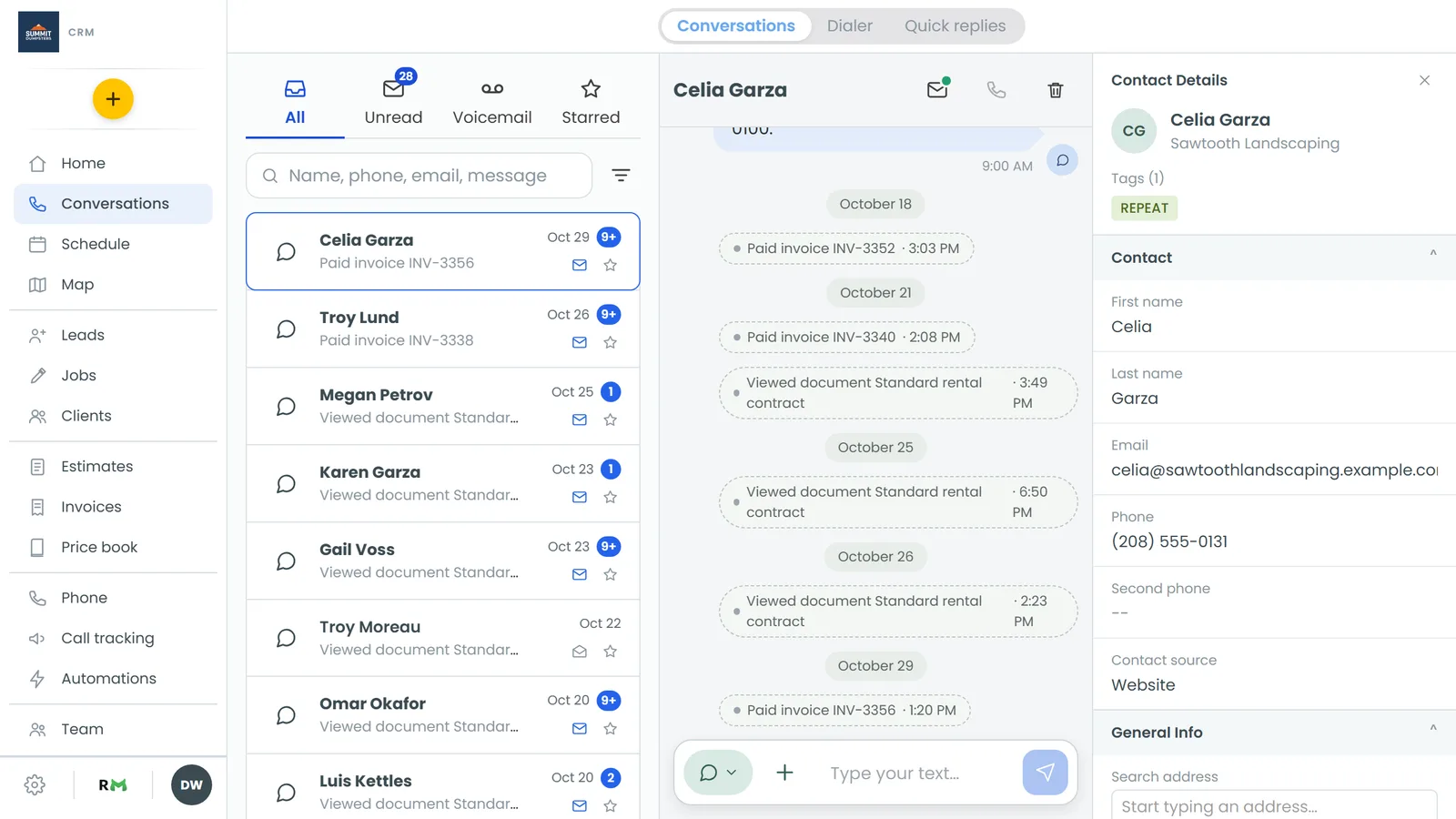
- On the call bubble, click the ⋮ (More options) button at the top right.
- Click Forward by text or Forward by email.
- In the box that opens, type the phone number or email address.
- Click Send. The box shows Sent. and then closes.
Send stays greyed out until the number or address looks complete. To back out without sending, click Cancel.
Downloading the audio instead
The same ⋮ menu has a Download option. It saves the audio file to your computer so you can keep it or attach it somewhere yourself.
Forwarding from the phone app
- Tap Conversations and open the conversation.
- On the call bubble, tap the forward icon. It's in the row of small buttons under the player, next to the playback speed.
- A sheet opens, titled Forward this recording or Forward this voicemail. By text is picked to start with. Tap By email if you want to send an email instead.
- Type the phone number or email address.
- Tap Send.
Note: If the app shows Recording available on the web CRM where the player should be, it has no forward button for that call. Forward it from the web instead.
What the other person gets
They don't get the audio file. They get a link to listen to it. The link works for seven days and doesn't need a login.
- By text: a text from your business line. It says whether it's a voicemail or a call recording, who the call was with and when, followed by the link.
- By email: an email with the same details, a Listen to the voicemail or Listen to the recording link, and a line saying the link works for seven days.
Tip: If they need it after the week is up, forward it again and they'll get a new link.
Related articles
- Forwarding incoming texts to another phone
- Conversations overview
- Listening to call recordings
- Listening to your voicemail
- How to turn on call recording