In this article, you'll learn how to close a job once the work is finished. Closing a job keeps your active lists clean, locks the job so nobody changes it by accident, and can send the customer a review request for you.
What closing a job means
Closing a job means setting its status to Done. Only do that for work that actually got finished. If a job isn't going ahead, set it to Canceled instead, so Done jobs in your reports really are completed work. How to cancel a job covers that side.
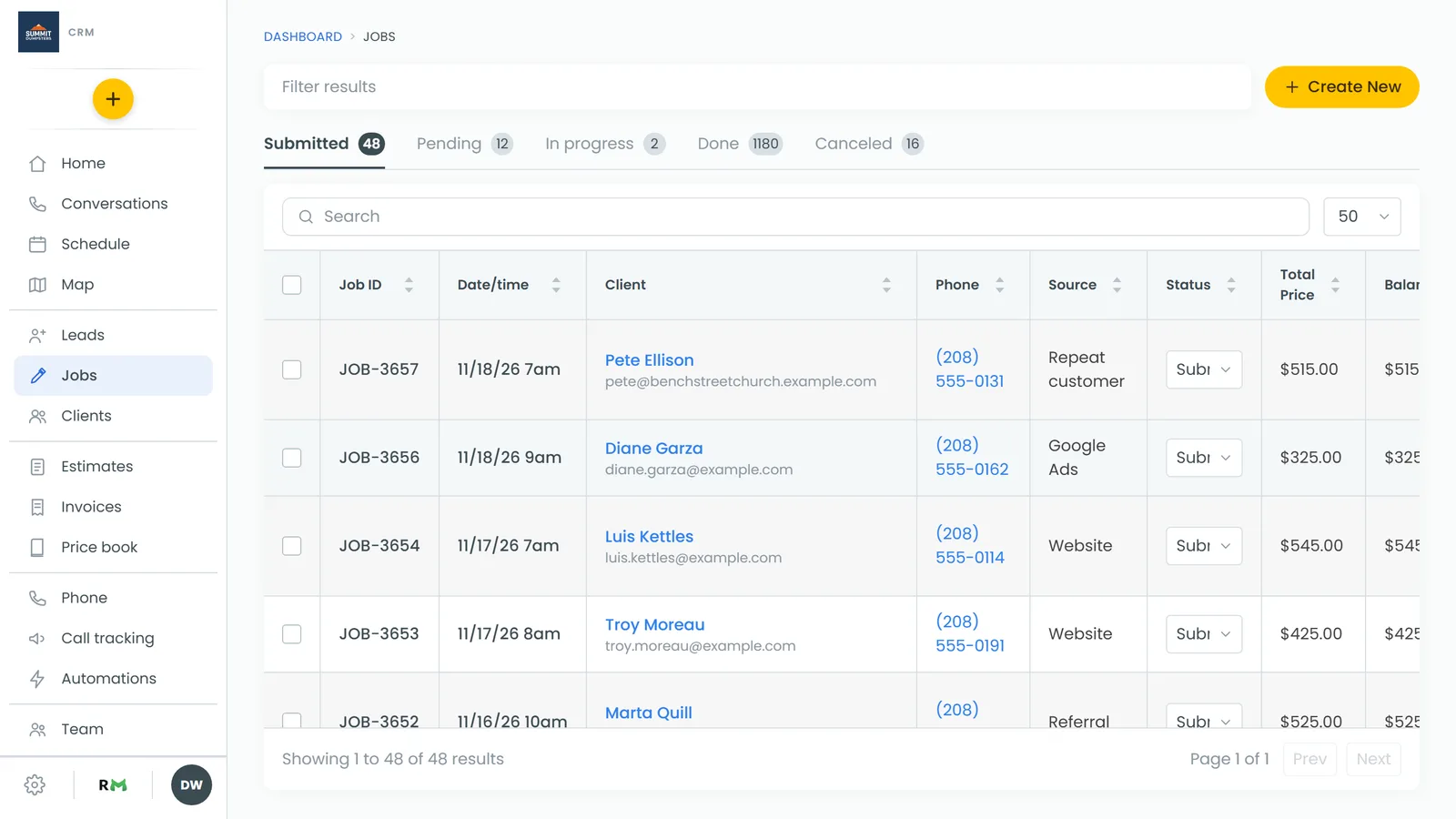
Closing a job from the job page
This works the same way on the web and in the phone app.
To close a job:
- Open the job.
- Next to Status:, open the status dropdown.
- Choose Done.
The status saves right away. There's no "are you sure" step.
Closing a job from the Actions menu (web)
On a computer, the job page also has an Actions button at the top right, next to Create Invoice (or View Invoice once the job has one).
To close a job from Actions:
- Open the job.
- Click Actions.
- Click Job done.
The page reloads with the job closed. On a job that's already closed, the item reads Job done ✓. The Actions button only shows on the desktop layout, not on a phone-sized screen.
Closing a job from the app's Home screen
In the phone app, you can close a job straight from its card.
To close a job from Home:
- On the Home screen, swipe through Upcoming work to the job.
- Tap the three dots on the card.
- Tap Mark done.
- When it asks "Mark JOB-… done?", tap Yes, done.
The card leaves Upcoming work once it's saved. For more on the app, see Closing jobs on the phone app.
What happens when a job is Done
- The job locks. A yellow banner reads "This job is done — change the status to reopen it before editing." Everything except the status becomes read-only.
- Payments still work. You can still take a payment on a Done job.
- An invoice is raised if there isn't one. A Done job with items gets an invoice automatically. It isn't sent until you send it.
- A review request can go out. If the job's type has Review when Done switched on (Settings, Job types) and your review request automation is on, the customer is asked for a review when the job moves to Done. Saving a job that's already Done doesn't ask them again. See Asking customers for reviews.
Finding closed jobs
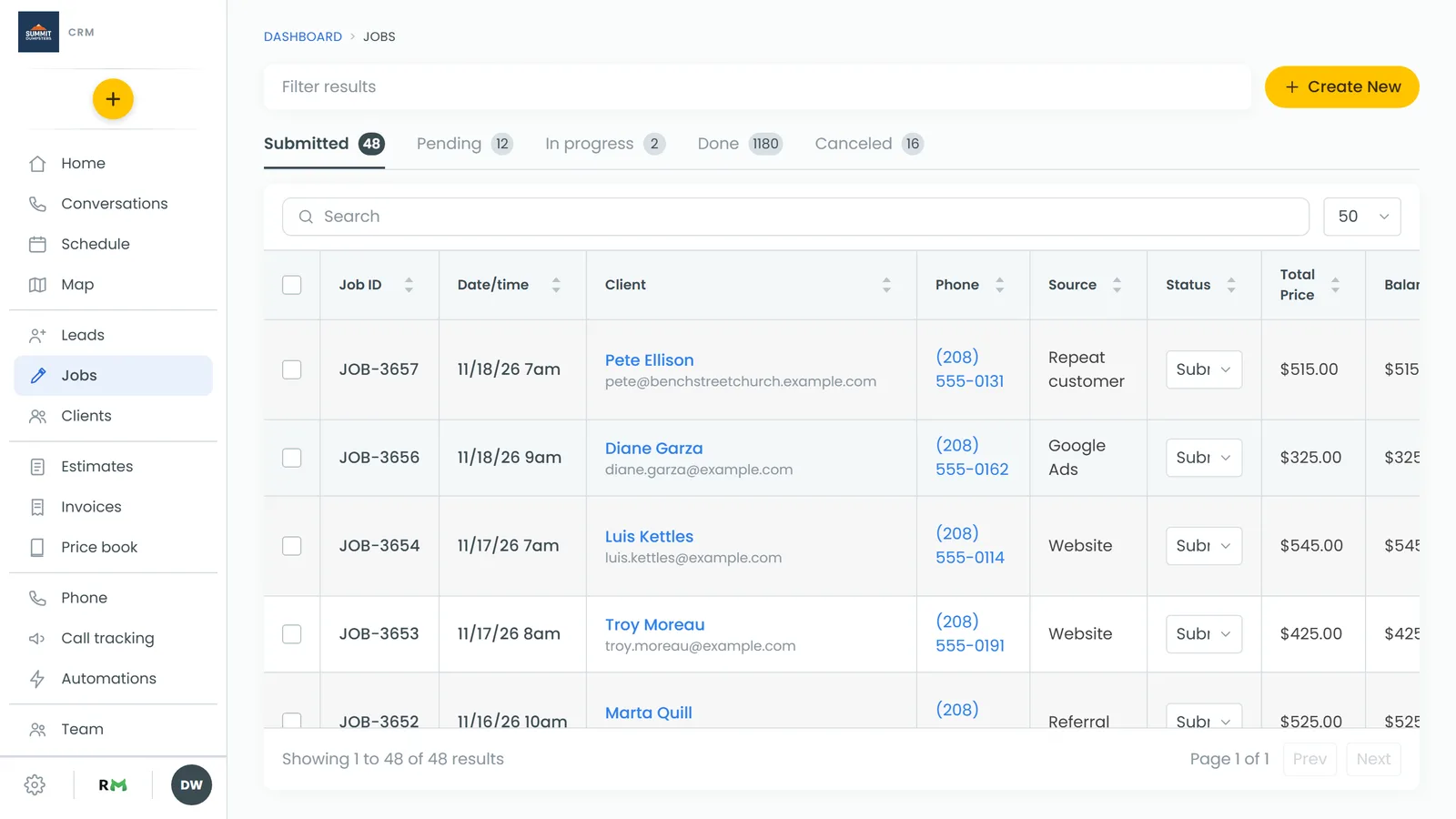
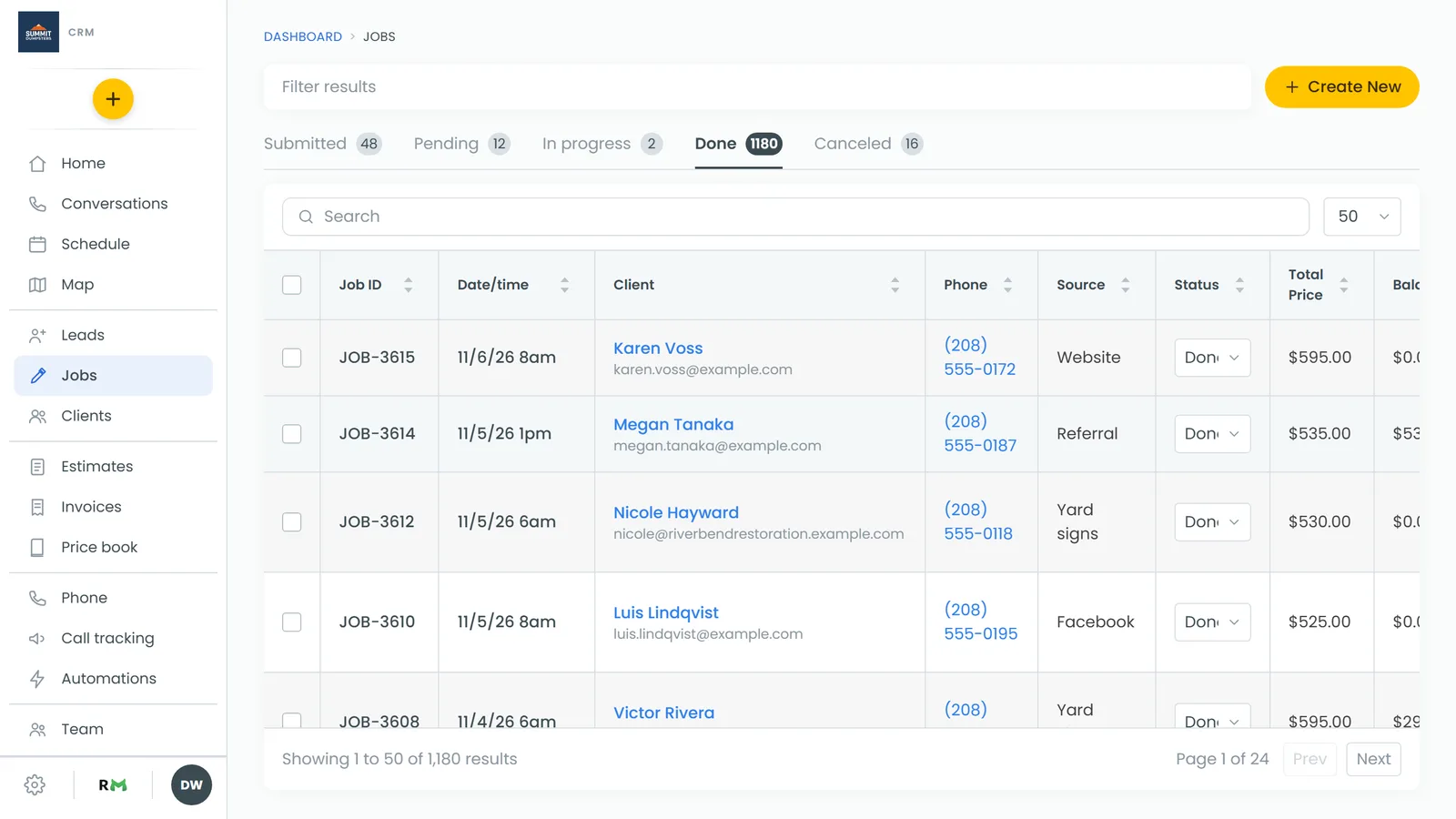
Done jobs leave your other status tabs. To see them, go to Jobs and click the Done tab. The number on the tab is how many Done jobs you have. The phone app's Jobs screen has the same tabs.
Done jobs also drop off the calendar and the app's Upcoming work when Show done jobs is off in Settings, Schedule. For more ways to find them, see Finding done or canceled jobs.