In this article, you'll learn how to let customers keep seeing their estimates in the customer portal after the job is done. It helps when customers want to look back at what they agreed to, or keep a record of the work you did.
By default, an estimate drops out of the customer portal once its job is marked Done. You can change that with one switch in your estimate settings.
To open your estimate settings on the web:
- At the bottom of the menu, click the gear icon (Settings).
- Under Jobs & leads, click Estimates.
This opens Estimates settings. You can also get there from the Estimates list. Click Estimates settings, next to the list's actions.
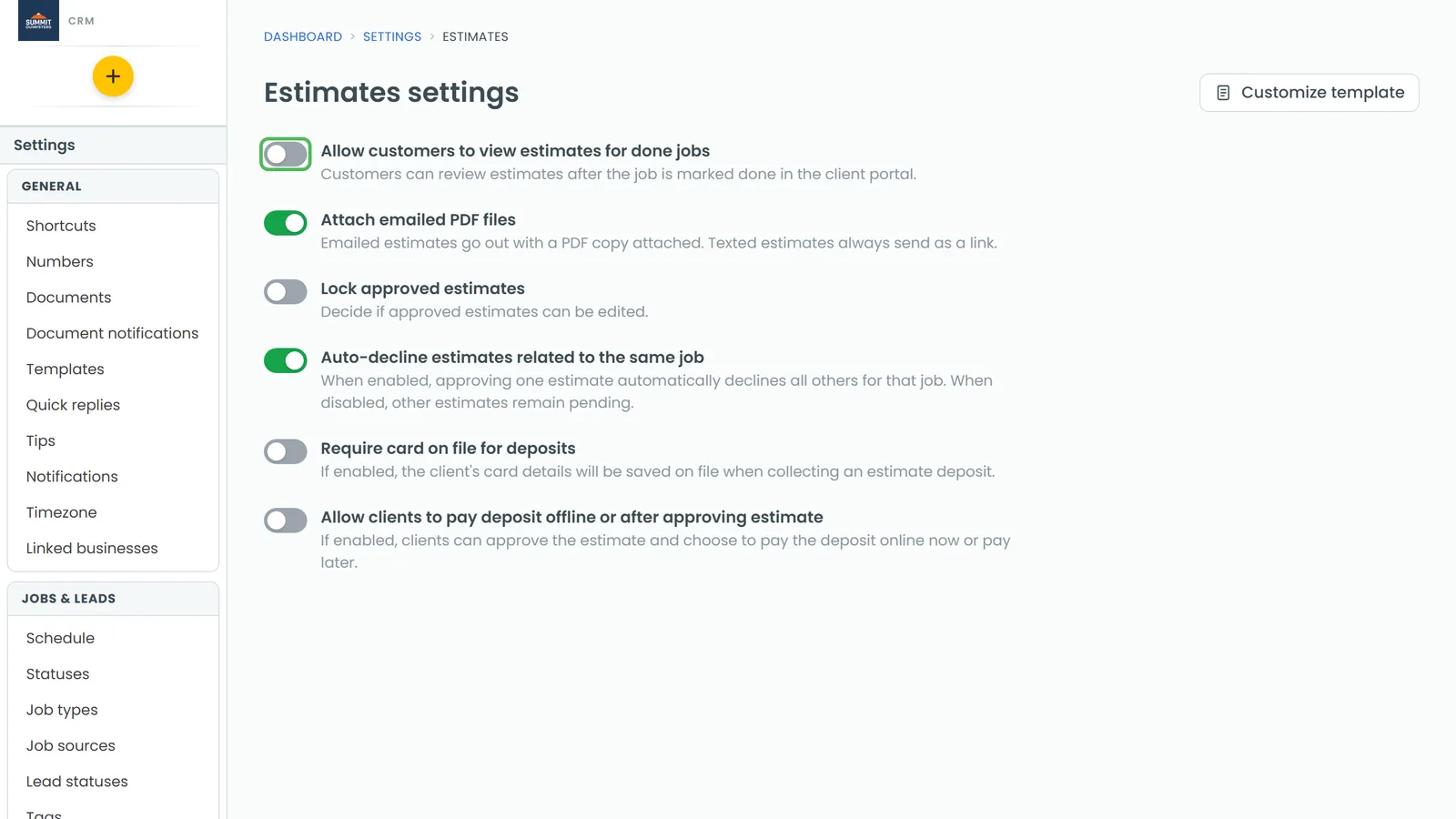
Turn the setting on or off
- On Estimates settings, find Allow customers to view estimates for done jobs. The line under it reads "Customers can review estimates after the job is marked done in the client portal."
- Click the switch next to it. Green means on and grey means off.
You don't need to press Save. The change saves as soon as you flip the switch. If the save fails, the switch flips back and a short message tells you the change wasn't saved.
What each position does
- On: customers can still open the estimate in their portal after the job is Done.
- Off (the default): once the job is Done, the estimate is hidden from the customer's portal. That applies whether it's the job the estimate was made for or the job it was converted into. The estimate disappears from the customer's inbox, and the old link to it stops working.
The estimate itself is never deleted. It stays in your CRM either way. If you turn the switch back on, customers can see it again.
Change it from the phone app
The app has the same page with the same switch.
- Open the menu.
- At the bottom, tap the gear icon.
- Under Jobs & leads, tap Estimates.
- Flip Allow customers to view estimates for done jobs.
As on the web, the change saves as soon as you flip the switch. You can also get to this page from the Estimates screen by tapping Estimates settings. The gear only shows for admins and people whose role can change account settings.
Related articles
- What your customers see when you send an estimate
- Locking approved estimates
- Creating a job from an estimate
- Customer portal overview
- How to close a job