In this article, you'll learn how to answer the CRM step in onboarding, what each choice means, and why it's worth telling us what you use today.
The CRM comes free with your subscription. It keeps your calls, texts, customers, jobs and reviews in one place, on your phone and your computer. This step just asks whether you'd like to use it.
To get to the CRM step:
- Start your onboarding and finish Your business.
- The next screen is the CRM step, under Setup. It's headed Your CRM is included.
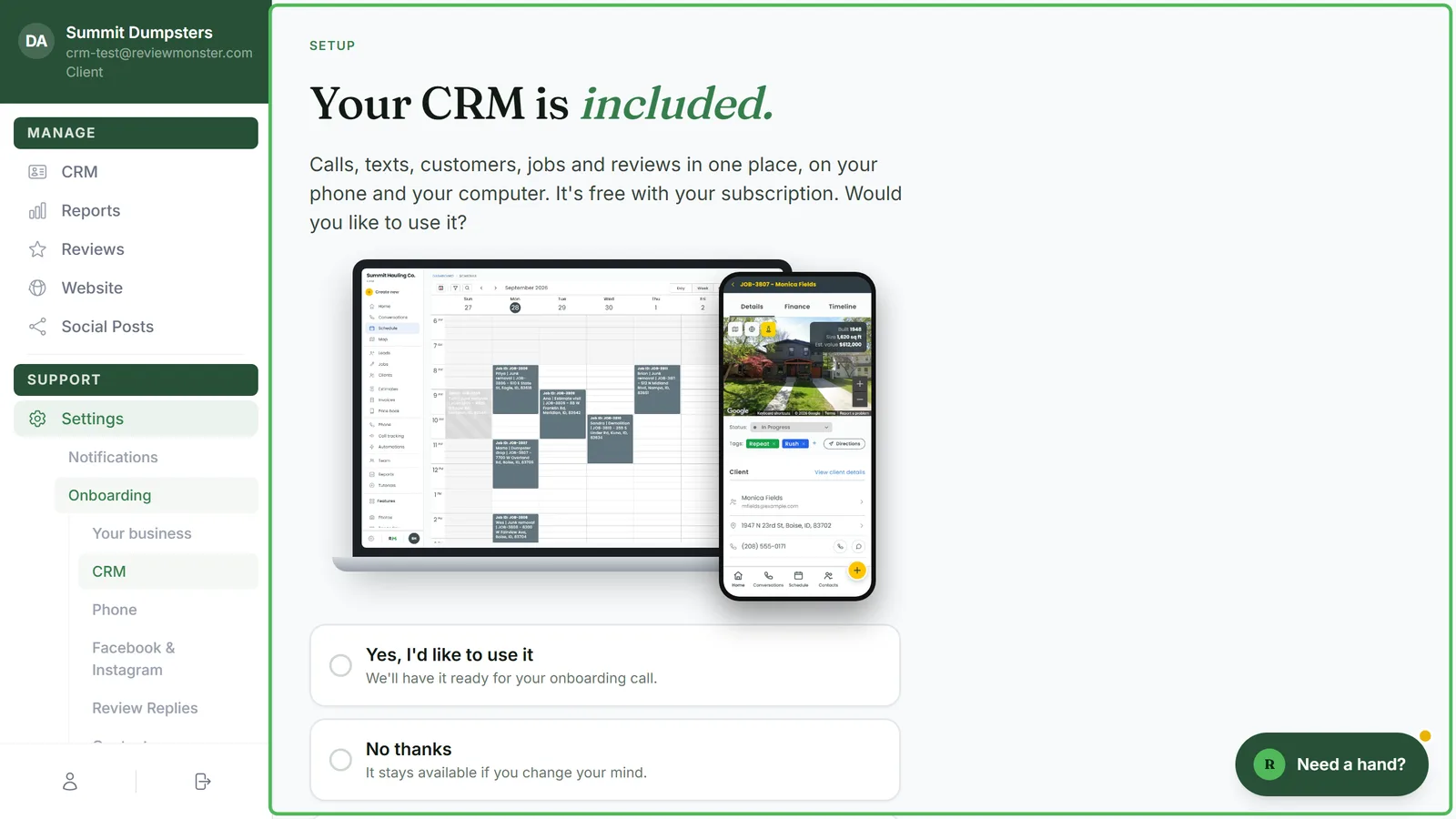
Pick one of the three choices
Under a picture of the CRM on a laptop and a phone there are three options. Click the one that fits:
- Yes, I'd like to use it: we'll have it ready for your onboarding call.
- No thanks: it stays available if you change your mind.
- Decide later: have a look at it on the call first.
You have to pick one before you can move on. Continue stays greyed out until you do.
Tell us what you use today
Below the three choices there's a separate section, What do you use today? It has one field, CRM or software, and it's optional.
- In CRM or software, type whatever you keep your customers in now. That could be another job management program, your accounting software, a spreadsheet or a paper notebook.
- Leave it blank if you'd rather not say.
It tells us whether to bring your customers across into the CRM or connect the two.
Save and move on
- Click Continue. Your answer is saved and you go on to the Phone step.
- To go back to Your business instead, click Back at the bottom left.
Changing your answer later
You can come back to this step any time after onboarding.
- In your dashboard menu, click Settings, then Onboarding. It opens on Your business, and the list of steps appears under Onboarding.
- Click CRM in that list.
- Change your choice or what you typed, then click Continue.
Does my answer turn the CRM on or off?
No. Your answer only tells us what you'd like. The CRM is on for every client whatever you pick, and CRM sits at the top of your dashboard menu on every plan. You can start using it any time, even if you chose No thanks today.