What Does Google Require to Verify a Business? A Checklist
By Eric Hinderager, owner of Review Monster
What does Google require to verify a business? An eligible business, a Google Account and proof you run it. Here's what each method asks of you.
What does Google require to verify a business? Three things: a Google Account, an eligible business and proof that you own or run it. Eligible means customers can visit your location, or your service goes to them. Then Google picks the verification method. It might be a code by phone, text or email, a recorded video, a live video call or a postcard.
Most verification trouble doesn't come from the method. It comes from a gap between your profile and what Google can see in the real world. So the best prep is simple. Make your business information accurate on every listing first.
What does Google require to verify a business?
To verify a business, Google requires an account, an eligible business and proof that you run it. Each one has its own rules. It helps to know them before you claim your Google listing.
A Google Account. Google's help center says one is required to sign up for a Google Business Profile. This is the login that owns the business profile. Use an account the business controls. Don't use an employee's personal account.
An eligible business. Google's guidelines say you can create a profile if customers can visit your location. You can also create one if your business travels to customers. Some setups can't be verified:
- Online-only businesses, like a web shop with no in-person service
- Virtual offices, where you rent a mailing address but don't work there
- P.O. boxes and mailboxes at remote locations
- A co-working office, unless it has clear signs, takes customers and has your staff there during business hours
Your real business name. Google wants your profile to match your sign, website and paperwork. That's the name customers already know. If your sign says one thing and your Google listing says another, expect verification problems.
Accurate details. Your address, phone number, hours, category and service areas should be accurate. They should match your website, other listings and industry directories. A mismatch here is one of the most common reasons Google verification goes wrong.
Proof that you run it. That's the verification step itself. Google decides which method you get.
Do you work at the customer's place? A plumber, a house cleaner or a mobile detailer does. Then you're a service-area business. Google says you should hide your address from customers. That keeps it off your public Google profile.
Good to know: Hiding your address doesn't get you out of proving it. Say Google picks video verification for a service-area business. It still wants street signs, nearby landmarks or other clues at that address. A shot of empty land won't help.
Does Google verify a business by phone, video or mail?
Google can verify a business by phone, text, email, video or mail. But you don't get to choose. Google's help center says verification methods are set by Google and can't be changed. They're based on factors like your business category, your region and the information available about you. So the options vary depending on your business. Not every business sees every option Google offers. Sometimes Google asks for more than one method.
| Verification method | What Google asks of you |
|---|---|
| Phone or text | Enter the code Google sends to your business phone |
| Enter the code Google sends to your business email | |
| Recorded video | Film your location, your business at work and your access |
| Live video call | Show that same proof to a Google support agent during your business hours |
| Postcard | Enter the code from a postcard Google mails to your address |
The same help center page says verification can be instant in some cases. One is when you've already verified your website in Google Search Console. Another is bulk verification. Google offers that to businesses with 10 or more locations.
What does Google need to see in a verification video?
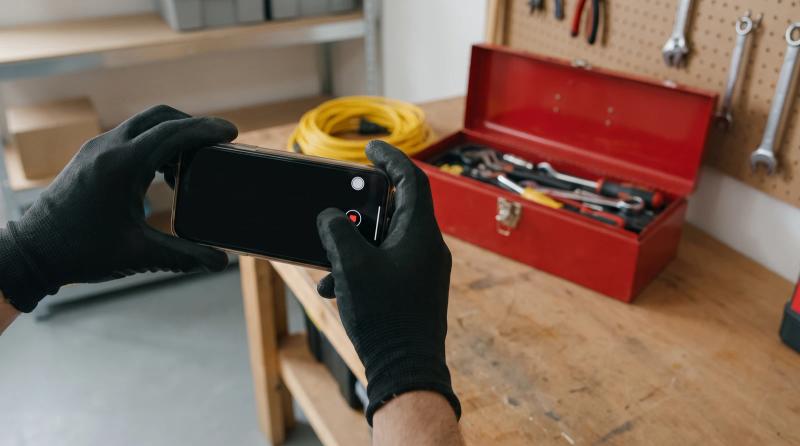
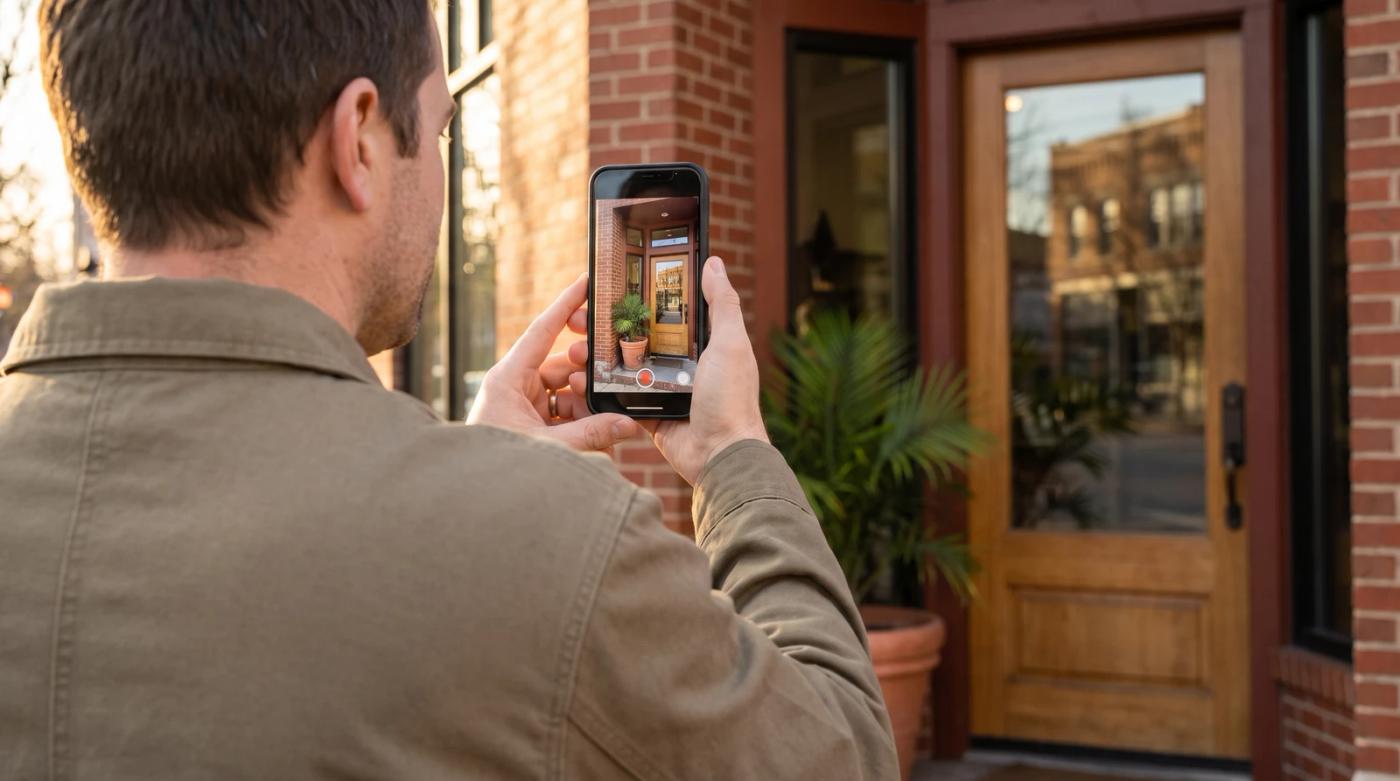
A verification video has to prove three things to Google. It shows where your business is, that it's real, and that you manage it. Google's video page sets a minimum length, so check it before you start. A live recording on a mobile device is required, and you upload it through your Business Profile. Old footage isn't allowed. Neither is recording offline and uploading it later.
What counts as proof is different for each type of business and industry:
- Storefronts like a salon, dental office or auto shop can film things only staff can reach. Think opening the cash register, walking into a back room or using the checkout system.
- Service-area businesses like a roofer or plumber can film the work or a van with your branding. They can also show a business permit, invoice or utility bill that matches the profile.
Keep bank, tax and ID numbers out of the frame. Don't film other people's faces.
Sterling Sky, a local SEO agency, says to record in one take and not to talk during the video. Search Engine Journal says filming someone unlocking the door is very important. It also suggests panning to the shops next door and across the street.
Quick tip: Do a full dry run before you hit record. The video has to be one continuous take.
How long does Google take to verify a business?
Google says verification reviews can take several business days, and on rare occasions longer. Check the help center for the current timeline. Video reviews run on the same timeline, and the result is a pass or a fail. Note that your wait can vary depending on the method Google gives you.
Postcards take longer. The code has to travel by mail, and Google says it expires after a set time, so check the help center for the current window. While you wait:
- Don't request a new code. Google cancels the one already in the mail.
- Don't change your business name, address or category. If you do, the code Google sent won't work.
Heads up: Hold off on profile changes until you're verified. A new name, address or category breaks a postcard code. Any edit can also create a mismatch that sinks a video.
Is my business verified on Google?
Here's how to check. Open your Google Business Profile. If you see a 'Get verified' button, Google says it couldn't fully verify your business. If the button is gone, you're a verified business.
Once you're verified, you can manage your business information across Google Search and Maps. You can reply to customer reviews, update your hours and services, add photos and see insights on how customers find you. A verified profile also helps customers trust that your information is accurate. That makes for a better experience when they search.
For a local service business, a verified Google profile is a big part of its marketing. It's worth the effort to maintain.
Why does Google verification fail?
Google verification usually fails because what Google sees doesn't match what your profile claims. Sterling Sky says one common reason is a name, address or phone number that doesn't match. It might differ across your website, online listings and official papers. Another reason is a video that didn't clearly show the location, the signs, the business at work or the proof of access.
Here's how to improve your next try:
- Get your name, address and phone number accurate. Make them match on your website, directory listings, industry platforms and paperwork.
- If a video failed, check which of the three things it missed. Plan around that.
- If the trouble ends in a suspension, you only get one appeal.
Google may suspend or disable profiles that don't follow its guidelines. For an appeal, Google accepts proof like a business registration, a business license, tax certificates and utility bills. The name and address on every document have to match the profile. Since you get one shot, send your strongest documents first.
Frequently asked questions
Can an online-only business get verified on Google?
No. Google says online-only businesses with no in-person service aren't eligible for a Google Business Profile. So they can't be verified on the platform.
Can I verify a business that runs out of my home?
Yes, as long as customers visit you there or you travel to them. If customers don't come to your house, you're a service-area business. Google says you should hide the address from customers.
Does Google verify a business by phone?
It can. A code by phone or text is one method Google may use. But Google picks the method based on your business. You might get a video, an email code or a postcard instead.
What documents prove I manage the business?
For a service-area video, Google lists a business permit, invoice or utility bill in the business name. For a suspension appeal, it lists a business registration, a business license, tax certificates and utility bills. Each one must match the profile.
Get the basics right first
Verification mostly comes down to consistency. When your information is accurate and matches what Google sees, the method matters less. It's worth checking your Google listing once a year. Check it again any time you move, change your phone number or add a service.
Related reading: Google Business Profile Not Showing Up After Verifying? and How to Verify Google Business Profile With Video From Home.
This is part of what Review Monster does. It manages Google Business Profiles and citations for local businesses. It keeps the details lined up across the platforms where you're listed. If you'd rather hand that off, take a look at reviewmonster.com. If you'd rather do it yourself, the checklist above covers it.
Sources
- Verify your business on Google — Google Business Profile Help
- Guidelines for representing your business on Google — Google Business Profile Help
- Verify Business Profiles in bulk — Google Business Profile Help
- Verify your business with a video recording — Google Business Profile Help
- Google Business Profile Verification - 9 Easy Steps to Avoid Video Verification Failure — Sterling Sky, Colan Nielsen
- Google Business Profile Video Verification Best Practices — Search Engine Journal, Sherry Bonelli
- Fix suspended or disabled profiles — Google Business Profile Help
Want help with your Google Business Profile?
Review Monster runs your review requests, listings and website in the background, so you can stay on the job.