How to Verify Google Business Profile With Video From Home
How to verify Google Business Profile with video, even from home: what to film, how to hide your address, how long it takes and what to do if it fails.
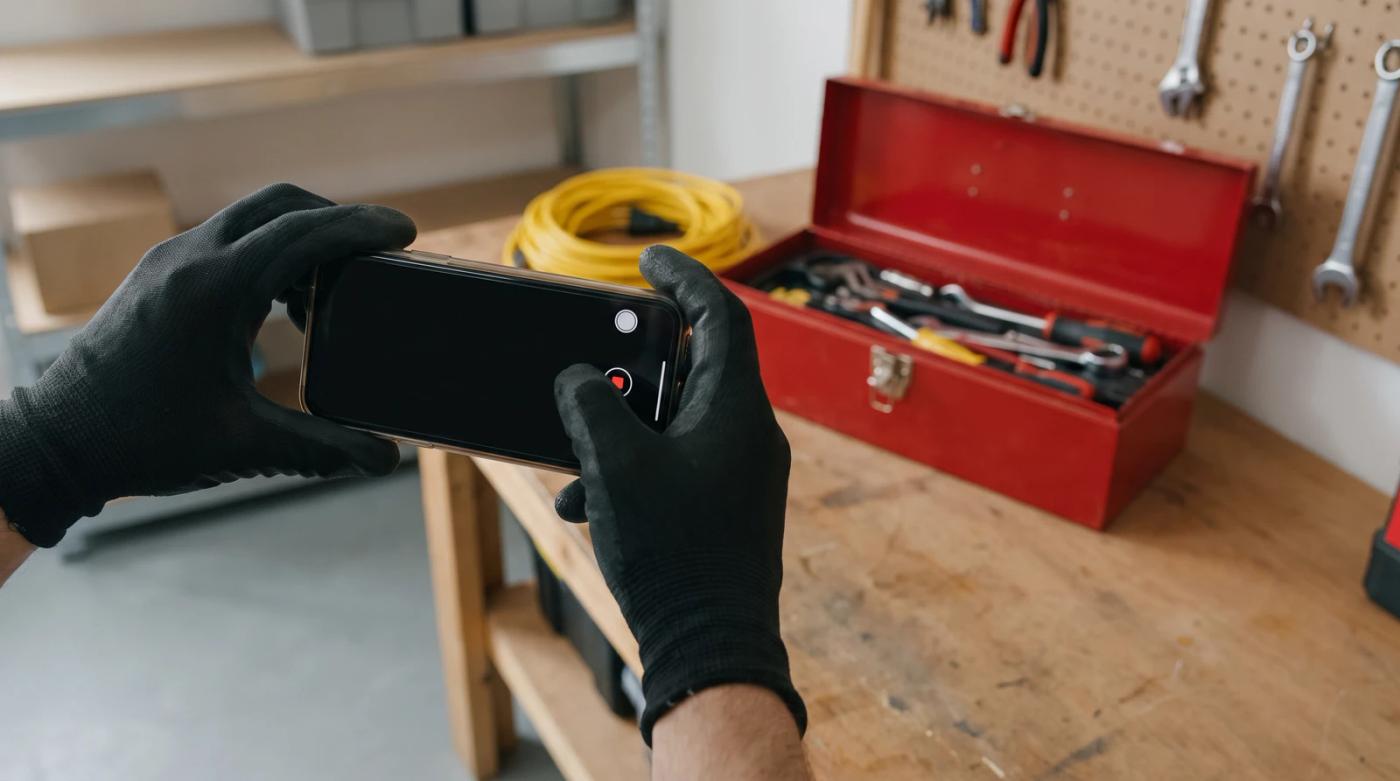
To verify your Google Business Profile with video, you record one continuous, unedited video on location, in real time. It needs to show where you are, that the business exists and that you're the one running it. If you work from home, film the street signs or landmarks near your address, then your branded vehicle, your tools and a non-sensitive business document like your license, and hide your home address on the profile.
That's the short answer. The details are where most people slip, because a shaky clip of a driveway and a toolbox usually doesn't prove much.
Video verification makes a lot of home-based owners nervous. A plumber, a mobile groomer or a house cleaner has no storefront to point the camera at, so what are you supposed to film? More than you'd think.
How to verify your Google Business Profile with video
Here's something many owners don't know: you don't get to pick the method. Google's help page on verification says verification methods are set automatically and can't be changed. If video is what you're offered, video is the path.
When you're ready, go in this order:
- Clean up the profile first. Your business name should be your real business name and nothing more. Google's guidelines say adding unnecessary information to the name isn't allowed and can get the profile suspended.
- Plan your route. Know what you'll show and in what order, so you're not wandering around mid-recording.
- Record on location, in real time. Search Engine Journal says the video can't be recorded somewhere else and then uploaded, so a clip you shot and edited earlier won't work.
- Do it in one take. Sterling Sky says it has to be one continuous shot with no edits or combined clips. Go from where you are, to the business, to proof that you run it.
- Submit and wait. Google says verification reviews take up to 5 business days.
Video verification for a home-based or service-area business
If customers don't come to you, you're what Google calls a service-area business, and that changes how your address is handled. Google's service-area help page is blunt about it: if you don't serve customers at your business address, remove it from your profile. Its guidelines even use a plumber who runs the business from a residential address as the example of someone who should clear it.
Hiding your address doesn't mean you can swap in a different one. A virtual office or a remote P.O. box isn't eligible for a Business Profile at all.
The harder part is proving a business exists when there's no sign out front. Sterling Sky, a local SEO firm, quotes a former Google employee who put it simply: for a service-area business, your employees and vehicles are the signage.
Heads up: Hiding your address on the profile doesn't mean you skip location in the video. You still film the street signs or landmarks near your address so Google can tell where you are.
What to film, start to finish
- Where you are. Start outside. Google asks you to show a street sign, nearby businesses or outside signs that confirm your location. The nearest intersection or a landmark close to your address works too.
- Your work vehicle. Search Engine Journal says service vehicles should carry the company name and logo and be clearly visible, and that a plain white van will not be acceptable. If your truck isn't lettered yet, it's worth fixing that before you record.
- Your tools and equipment. The same article recommends showing the tools of the trade you use on client jobs. For a roofer that's ladders and safety gear. For a groomer, the table and clippers. For a cleaner, the supply kit you actually take to houses.
- Proof you run it. Google suggests showing non-sensitive business documents, and Sterling Sky mentions things like a business license or tax registration. Sterling Sky's former Googler also calls showing access to industry software, like a CRM or QuickBooks, a massive "extra credit" signal. Logging into your job software on camera shows you're inside the business, not just standing near it.
One practical note: since Google asks for non-sensitive documents, skip anything with a customer's personal details on it. Show enough to make the point and move on.
Can you verify a Google Business Profile without video?
Maybe, but it isn't up to you. Google's other methods are phone or text, email, a live video call and a postcard by mail, and not every business is offered every one. Since Google sets the methods automatically and they can't be changed, there's no switch you can flip to get a different one.
If you do end up with a postcard, leave your profile alone while you wait. Google says if you edit your business name, address or category, the code won't work.
If your Google Business Profile video verification fails
A rejected video isn't the end of it. Search Engine Journal says the Get Verified button comes back, and the fix is to re-do your video with more proof. Google may also show a Review issues notification with on-screen instructions. If it does, start there. Sterling Sky notes you might just get the Get verified button back with no explanation, so don't count on a reason.
Before you record again, check the usual weak spots:
- A location shot that doesn't clearly show where you are
- A vehicle with no name or logo on it
- Tools that could belong to anyone
- Nothing that ties you personally to the business
It also helps to make sure what's on camera matches your profile. If the name on the truck and your paperwork doesn't match the name on the listing, why would a reviewer believe they're the same business?
It's better to take your time on the second video than to rush out three weak ones.
Once you're verified
Verification only gets you on the map. What wins the call after that is a profile people trust, and that mostly comes down to steady, honest reviews from real customers.
Yes, we'd love your business, but honestly, plenty of owners handle this part themselves. If you'd rather have review requests go out automatically after every job and your profile looked after, that's what we do at reviewmonster.com.
Sources
- Verify your business on Google — Google Business Profile Help
- Guidelines for representing your business on Google — Google Business Profile Help
- Google Business Profile Video Verification Best Practices — Search Engine Journal, Sherry Bonelli
- Google Business Profile Verification - 9 Easy Steps to Avoid Video Verification Failure — Sterling Sky, Colan Nielsen
- Service-area businesses on Business Profile (page title not captured) — Google Business Profile Help
Want help with your Google Business Profile?
Review Monster runs your review requests, listings and website in the background, so you can stay on the job.