How to Rank Higher on Google Maps (What Actually Works)
Want to rank higher on Google Maps? Here's how Google ranks local businesses, what you can actually control, and which shortcuts get profiles suspended.
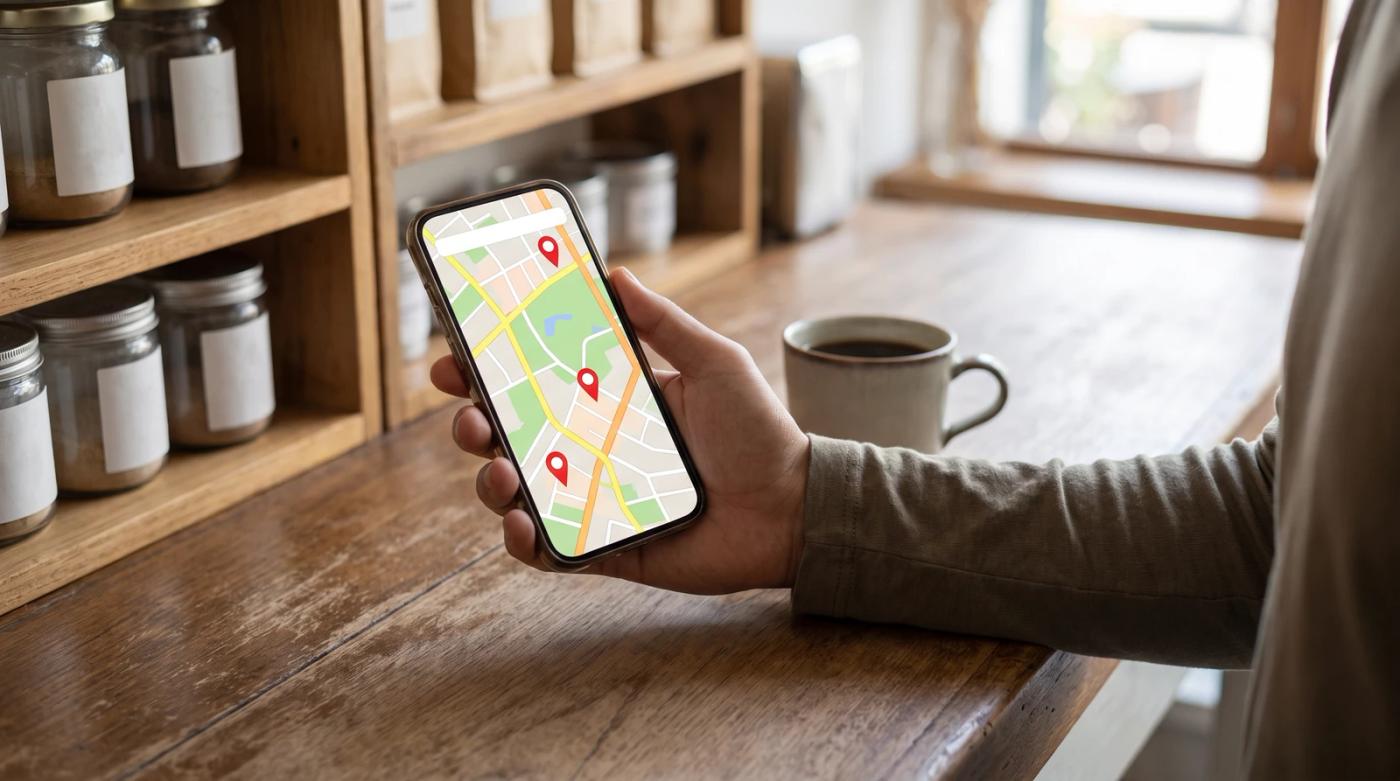
To rank higher on Google Maps, your Business Profile has to match what people search for, sit close to them and look like a business people already know. Google says local results come down to relevance, distance and prominence. You can't buy a better spot, so the real work is a complete, accurate profile and a steady flow of genuine reviews that you actually reply to.
That's the short version. The long version is worth reading, because a lot of the advice out there either skips Google's rules or breaks them.
Picture this. A plumber searches "plumber near me" from their own driveway, finds themselves in first place and feels great. Then a customer three towns over searches the same thing, and that plumber isn't on the map at all.
Both results are real. The map changes depending on who's searching and where they're standing.
I run a junk removal company, so everything here is stuff I've had to work out with my own business on the line, not theory.
How Google decides who shows up on the map
Google's own help page on improving your local ranking names three factors:
- Relevance: how well your Business Profile matches what someone is searching for.
- Distance: how far your business is from the person searching.
- Prominence: how well-known your business is. Google says prominent places are more likely to show up.
Past that, Google keeps the algorithm details confidential on purpose, to keep things fair. So when someone says they know the exact formula, they're guessing.
The gap gets filled by people who study this for a living. Whitespark's 2026 Local Search Ranking Factors report collects expert opinion, and its top factors for the map pack are your primary category, how close you are to the searcher, keywords in your business title and having a physical address in the city being searched. It also ranks being open at the time of the search near the top.
Sterling Sky took a different route and looked at 8,186 businesses in 200 cities. One of its clearest findings: the number of reviews you got this month mattered more than your total review count.
Notice what's on both Google's list and Whitespark's? Distance. And you can't change it.
A dentist on the north side of town is going to have a hard time showing up for someone searching from the south side. That's not a failure. It's just how the map works.
So the honest goal isn't "rank first everywhere." It's to be the obvious pick in the area you can realistically win, then widen that area over time.
How to rank higher on Google Maps with your profile
Start with your profile, because it's free and every piece of it is in your hands. If you haven't verified it yet, do that first. We've got a separate step-by-step guide on verifying your Google Business Profile.
Get the primary category right
Primary category sits at the top of Whitespark's list, and it's the one setting I'd double-check before anything else.
Google's guidelines for representing your business say to choose the fewest categories it takes to describe your core business, and to pick ones that finish the sentence "This business IS a ___." A roofer is a roofing contractor. An auto shop that mostly does brakes and engines is an auto repair shop, not a tire shop because it sometimes sells tires.
Google also says not to use categories just as keywords or to describe features of your business. Adding six loosely related categories doesn't help you show up for six things. It muddies what you are.
A quick gut check: search your main service the way a customer would and look at what category the top few businesses use. If they're all using something more specific than you, that's worth a look.
Use your real business name and nothing extra
This is where the experts and Google seem to disagree, so let's be straight about it.
Whitespark's report rates keywords in the business title as a strong factor. But Google says your name should match your real-world name, the one on your storefront, website, stationery and what customers know you by. It also says adding unnecessary information to the name isn't allowed and could get your profile suspended.
Both things are true at once. A keyword in the name helps when it's genuinely part of your name. "Smith Plumbing" is fine. "Smith Plumbing Emergency 24 Hour Plumber Best Prices" is asking for a suspension.
Yes, you'll see competitors doing it. It works for them right up until it doesn't.
Address, service area and hours
The address rules are simple, and getting them wrong causes real trouble.
- No P.O. boxes or remote mailboxes. Google says those aren't acceptable addresses.
- Co-working offices only count if they're real. Google requires clear signage, customers received there during business hours, and your own staff there during those hours.
- Service-area businesses should hide their address. If you go to your customers, like a cleaner or a roofer, Google says to hide it from customers.
- Keep your service area reasonable. Google says it shouldn't extend farther than about 2 hours of driving time.
There's one more wrinkle for service-area businesses. Sterling Sky's study found a negative correlation between hiding your address and ranking well in the local pack. That's a correlation, not proof, and Google's rule is still to hide it if customers don't come to you. We dig into that tradeoff in our post on local SEO for home-based businesses.
Then there are hours. Whitespark ranks being open at the time of the search near the top, which makes sense: Google doesn't want to send someone to a locked door. Keep your hours accurate, update them for holidays, and don't list 24/7 unless someone really answers the phone at 2 a.m.
Photos and the page your profile links to
Add real photos. Your storefront, your team, your work. A salon can show actual cuts and color. A plumber can show the finished install, not a stock photo of a smiling guy holding a wrench.
Also look at the website page your profile links to. Sterling Sky found that more meaningful content on the linked landing page correlated with better local rankings. If your profile points to a homepage with three lines of text and a phone number, give it a page that actually explains what you do and where you do it.
Reviews: the part you can work on every week
Category and address are mostly set-it-and-check-it. Reviews are the lever you can keep pulling.
Google says plainly that more reviews and positive ratings can help your local ranking. Whitespark's report says review signals gained importance for 2026. And Sterling Sky's finding about this month's reviews beating your lifetime total points to one thing: consistency matters more than a pile.
Customers feel the same way. BrightLocal's Local Consumer Review Survey found that 97% of consumers read reviews for local businesses, 74% look for reviews written in the last three months, and 31% will only use a business rated 4.5 stars or higher.
So a steady trickle of reviews beats one big push a year. What that looks like depends on your business.
A roofer might only finish a handful of jobs a month, so every single one needs a request. A salon with regulars has the opposite problem: ask once, not every visit, or you'll wear people out. A restaurant can't ask every table by hand, which is where a QR code on the receipt helps.
How to ask without breaking the rules
Google's advice is simple: send customers a Google link or have them scan a QR code. My advice on top of that is to ask right after the job, while it's still fresh, and to ask everyone.
That last part matters more than people think.
Heads up: The old trick of asking "Were you happy?" and only sending happy customers to Google is called review gating, and Google's Maps content policy bans selectively asking for positive reviews or discouraging negative ones. Send the same request to every customer.
A few other things Google's rules rule out:
- No incentives. Google says offering free or discounted goods or services for a review, a changed review or a removed negative one is strictly prohibited.
- No pressure on the spot. Google says merchants shouldn't require or pressure customers to leave reviews while they're on the premises. Handing someone your tablet at the counter and waiting can cross that line.
- No reviews from your team. Current or former employees count as a conflict of interest under the same policy.
Reply like a person, not a template
Replying matters to customers. BrightLocal found that 81% expect to hear back within a week.
But Google's own advice is to skip sending the same "thank you" to everyone and focus on reviews where you can share a helpful update or answer a question. Twenty identical "Thanks for the 5 stars!" replies don't tell the next reader anything.
Some businesses have to be extra careful here. A dentist or a lawyer shouldn't confirm details about a patient or client in a public reply, even a glowing one. Thank them warmly and keep it general.
For the tough ones, we wrote a whole post on how to respond to negative Google reviews, with examples.
Why you're not in the top 3 on Google Maps (even with great reviews)
This is the question I hear most: "We have tons of 5-star reviews and we're registered with Google. Why aren't we in the top 3?"
Reviews are only part of prominence, and prominence is only one of three factors. Here's what I'd check, in order:
- Where you're searching from. Rankings change with the searcher's location. Checking from your own office tells you how you rank at your own office.
- Your primary category. If the businesses beating you use a more specific category that also fits you, that alone can explain it.
- How recent your reviews are. A big total with nothing new in months looks stale to customers, and Sterling Sky's data suggests it matters for rankings too.
- Your hours. If you're listed as closed when people search, you're fighting the open-at-search-time factor Whitespark ranks highly.
- Your address versus the city being searched. Whitespark lists a physical address in the searched city as a top factor. A business just outside city limits can lose to one inside them.
- Your linked page. A thin page gives Google less to work with on relevance.
- Competitors bending the rules. Keyword-stuffed names and fake addresses do sometimes rank. That's not a reason to copy them.
Sometimes the honest answer is that you're doing everything right and distance is winning. Nobody can move your building.
And about ranking higher without spending a fortune on ads: the map results aren't for sale. Google says there's no way to request or pay for a better local ranking. Ads are a separate thing. Everything in this post costs time, not ad spend.
Shortcuts that can get your profile suspended
When the map isn't moving, the shortcuts start to look tempting. Here's why they're a bad trade.
- Buying reviews. Google's Maps policy bans reviews paid for, directly or in kind. The FTC's 2024 final rule also bans incentives tied to a review saying something positive, along with fake reviews, including AI-generated ones.
- Review gating. Banned by Google's Maps content policy.
- Stuffing keywords into your name. Google says it can lead to suspension.
- Fake or virtual addresses. P.O. boxes, remote mailboxes and empty co-working desks don't qualify.
Google says it can suspend access to Business Profiles for businesses that break its guidelines, and content that breaks its Maps policy gets removed. A suspended profile isn't ranking anywhere. Months of honest work can disappear over one shortcut.
The bottom line: you can't pay your way up the map, and you can't move closer to every customer. What you can do is get your category right, use your real name and address, keep your hours accurate, link to a page with real content, and ask every customer for a review, every week, then reply like a person.
None of it is complicated. The hard part is doing it consistently when you're busy running the business.
Yes, we'd love your business. But honestly, a saved text template and the discipline to send it after every job will get you a long way. If you'd rather that part ran on its own, that's what we do at reviewmonster.com. Either way, start this week.
Sources
- Tips to improve your local ranking on Google - Google Business Profile Help — Google Business Profile Help
- Whitespark's Official 2026 Local Search Ranking Factors Report — Whitespark, Darren Shaw
- We Analyzed 8,186 Businesses in 200 Cities. Here's What Actually Gets You Ranking for "Near Me" in 2025 — Sterling Sky, Joy Hawkins
- Guidelines for representing your business on Google - Google Business Profile Help — Google Business Profile Help
- Local Consumer Review Survey 2026: Star Ratings Keep Rising, Old Reviews Don't Cut It — BrightLocal, Rosie Murphy
- Tips to get more reviews - Google Business Profile Help — Google Business Profile Help
- Prohibited & restricted content - Maps User Generated Content Policy Help — Google Maps User Generated Content Policy
- Federal Trade Commission Announces Final Rule Banning Fake Reviews and Testimonials — Federal Trade Commission
Want help with local SEO?
Review Monster runs your review requests, listings and website in the background, so you can stay on the job.