In this article, you'll learn where Reports lives in your Review Monster dashboard, which report tabs come with your plan, and which one opens first. It's the quickest way to see how your reviews and your website are doing.
To open your reports:
- Sign in to your dashboard.
- In the menu on the left, click Reports.
The page opens with the heading Reports and the line "Track your performance across reviews and your website." While you're on any report, its tabs fold open under Reports in the menu, so you can switch between them from there.
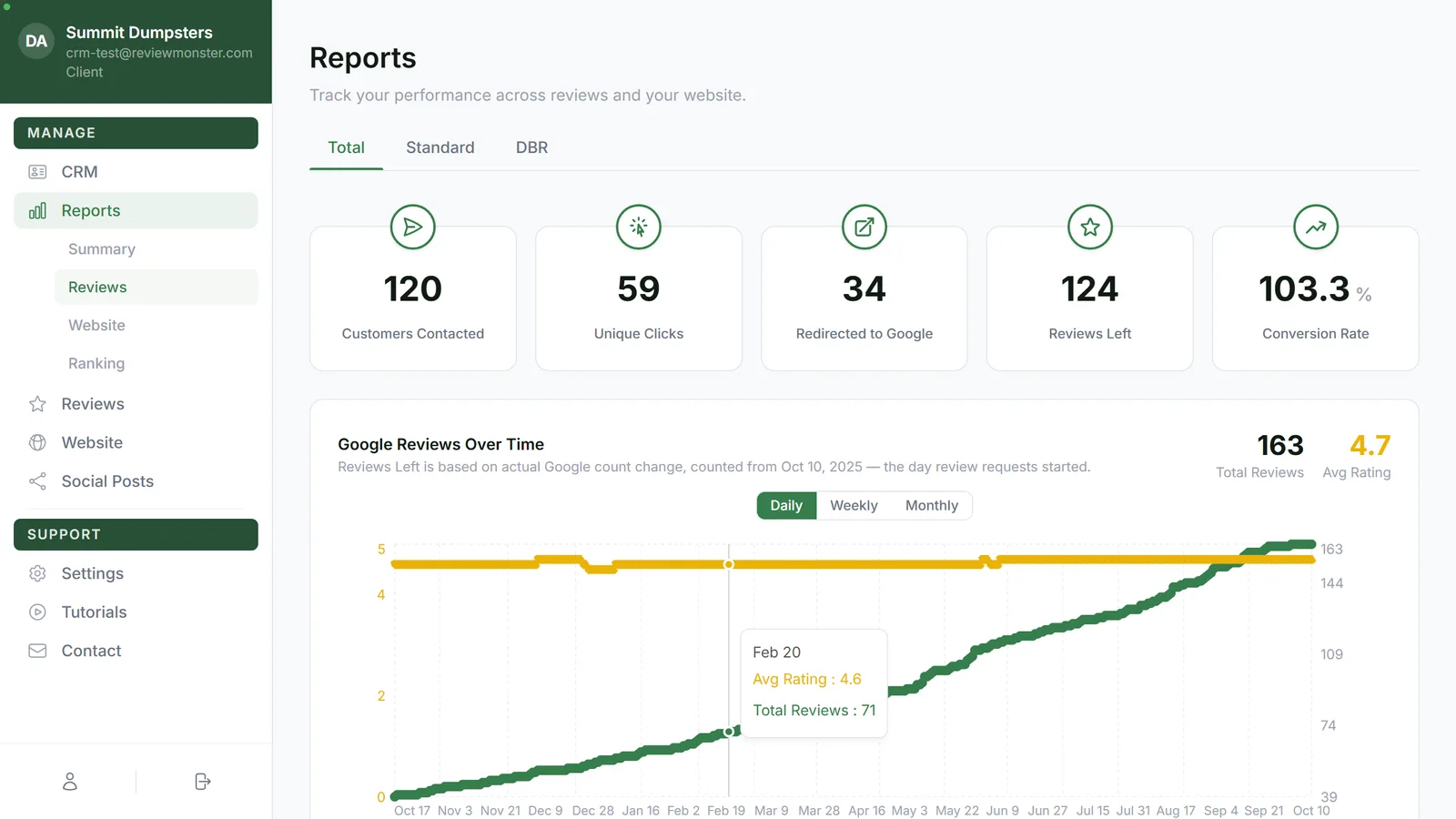
Which tabs you'll see
Your plan decides which report tabs show up:
- Reviews plan: Summary and Reviews
- Website plan: Summary and Website
- Both plan: Summary, Reviews and Website
- SEO plan: Summary, Reviews, Website and Ranking
They always sit in that order: Summary, Reviews, Website, then Ranking.
Here's what each one covers:
- Summary is your weekly roundup.
- Reviews shows your reviews and how your review requests are doing.
- Website shows your site's visitors, rankings, pages and backlinks, plus the local competition, for your main site and each microsite.
- Ranking is for SEO plans only. It covers where you rank for the searches you're going after.
Which tab opens first
When you click Reports, you land straight on a tab:
- On the Website plan, you land on Website.
- On every other plan (Reviews, Both and SEO), you land on Reviews.
From there, click any other tab under Reports to switch.
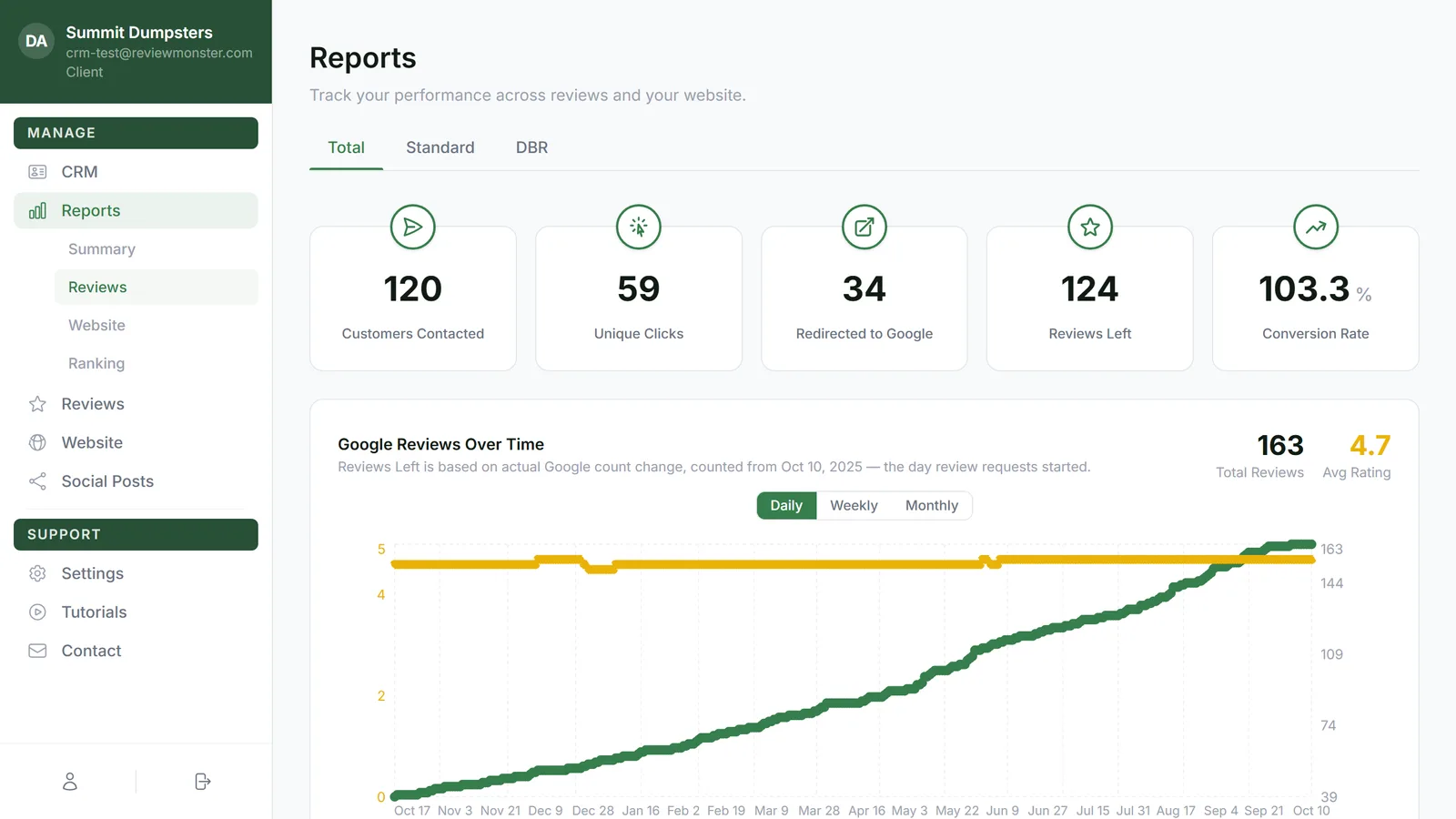
Looking for the old SEO report?
There used to be a separate SEO report. Its numbers now live on the Website tab, and old bookmarks or links to the SEO report open the Website tab instead.
Reports on your phone
These reports live in the dashboard on the web. You can open the dashboard in your phone's browser, but the phone app doesn't have them. The Reports screen in the phone app belongs to the CRM, with reports like Jobs, Payments and Invoices. That's a different set from the ones here.
Related articles
- Reading your weekly summary report
- Understanding the Reviews report
- Reading the Website report
- Tracking your review requests
- Finding your reports and who can see them